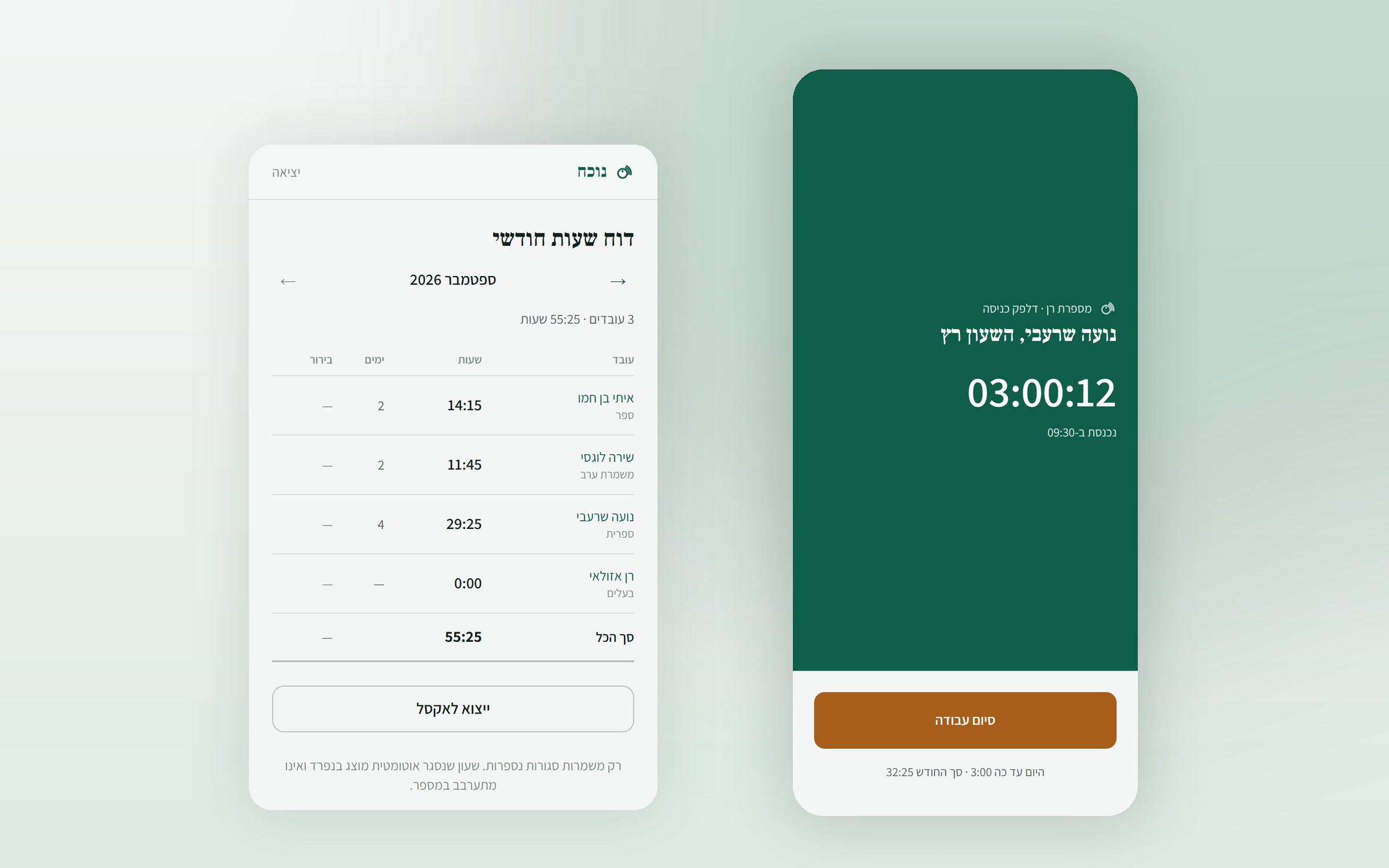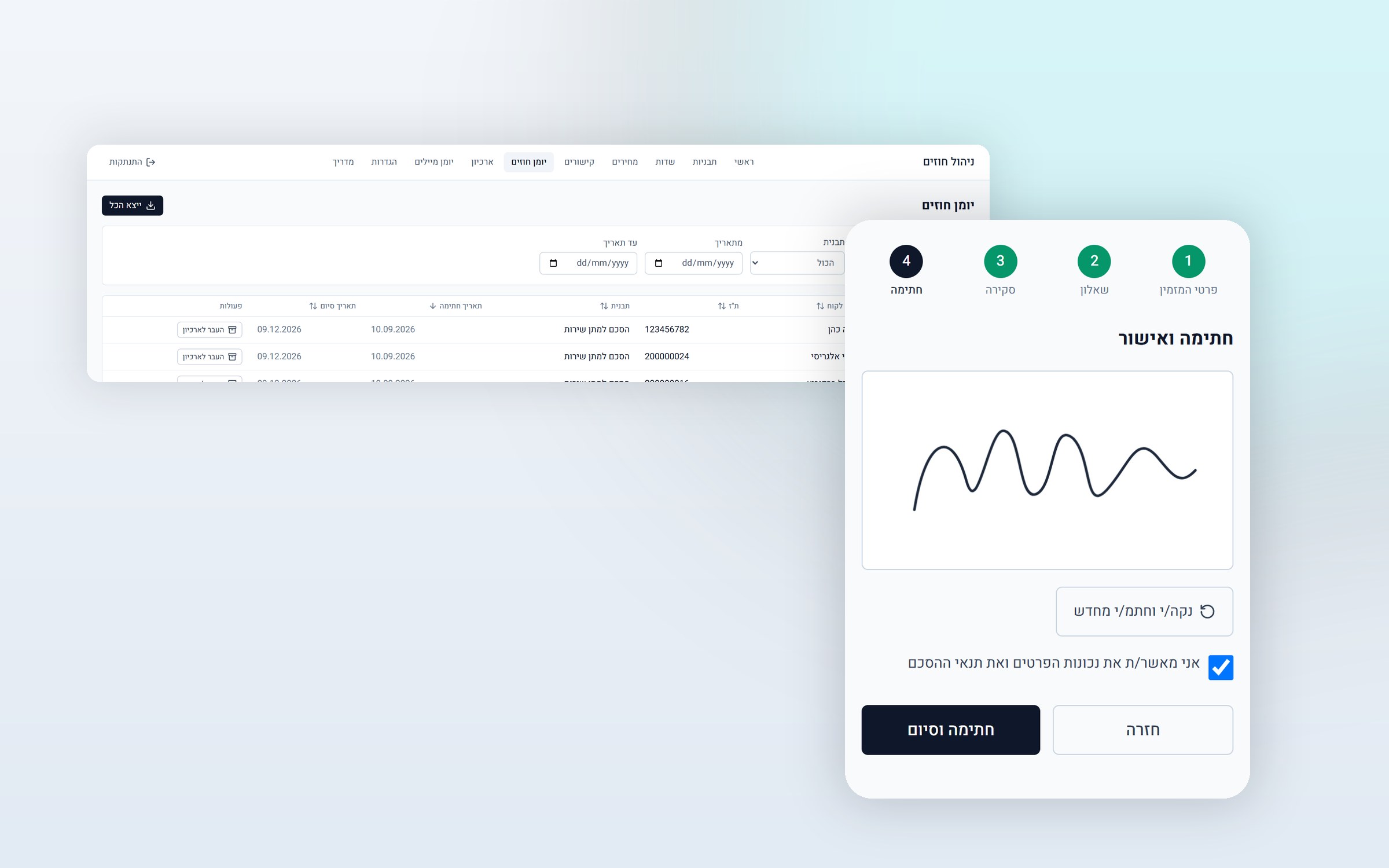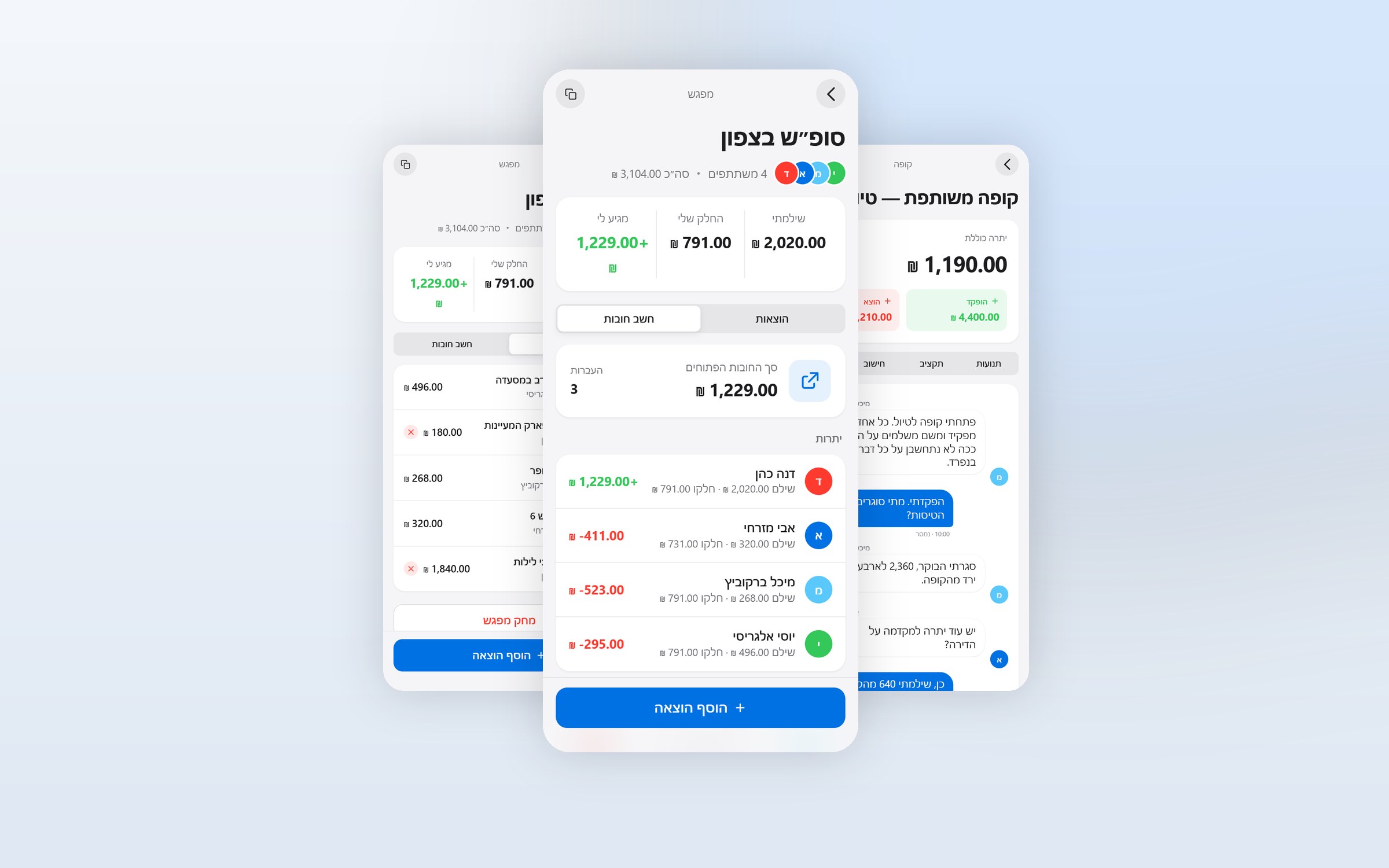

What it is
The website you are reading right now. It was not built on a ready made template or a website builder. It was written from scratch: every page, every animation and every line of code. It was built with Claude Code, from specification and design all the way to the server functions and the agents that run it.
But the interesting part is not how it looks. Behind this website, AI agents and a chain of automations run it almost on their own: some talk to visitors, some write the content, and the rest make sure that whatever gets published goes live without anyone touching a file.
The agents that run the site
Libi, who answers visitors
Libi sits in the corner of the screen. She is not a chatbot with prewritten answers, but an AI agent that knows the site's live content: the services, the articles and the projects are pulled to her from the database in every conversation. Publish a new article, and Libi knows about it within five minutes, without anyone updating her.
She answers in Hebrew, and in English on the English site. If a visitor is interested, she collects their details and passes them on, so an inquiry at two in the morning doesn't get lost.
Under the hood there are a few things a static site can't do on its own. Requests don't go straight to the AI provider but through the site's own proxy server, so the key is never in the visitor's browser. There is a rate limit of 20 messages per conversation and 50 per day, so a single visitor stuck in a loop can't burn through the monthly quota. Every turn is logged, after the answer has already gone out, so it doesn't slow it down. And Libi introduces herself as an agent, not a person, and is explicitly instructed never to ask for credit card details, ID numbers or passwords.

The team of agents that writes the articles
The blog is not written by a single agent but by several agents working together, which in the end produce an SEO optimized article in Hebrew. The result is not sent for approval as a document or an email attachment: the agents put the article into the admin panel themselves as a draft, and only then is an email sent with an approval link.
- Clicking "Approve" publishes the article, and the site rebuilds itself. No need to log in anywhere.
- Replying to the email with comments sends the article back for revision, with the comments attached, and the agents write a new version.
- Every article on the site was published through this route.
The approval link is secured with a one time token stored in the article's own row, the same trust model as a password reset link: whoever has the link, and only they, can approve. The channel that returns comments is identified with a shared secret, because what calls it is an automation, not a signed in person.
And not only them
Those are the agents a visitor meets or reads. Behind the scenes, others run on tasks nobody is supposed to see: checks, maintenance, and monitoring what is happening on the site.
Analytics: who comes in, from where, and where to
The panel has an analytics tab that shows what is really happening on the site, over seven, thirty or ninety days:
- How many views, how many visitors, the daily average and the peak day
- A daily visits graph
- The most viewed pages
- Where visitors came from: search, social networks, WhatsApp, direct visits, and AI chats too, so you can see traffic that arrived from a conversation with a model and not only from Google
- A breakdown by device and country
Everything is counted by the site itself. No Google Analytics, no cookie, and no outside provider receiving the data.
What happens the moment you click publish
This is the chain that ties it all together, and not one step in it is manual:
- The panel writes the content to the database.
- A server function checks that whoever clicked really is an admin, and only then triggers a new build.
- The build scripts pull all the published content and rewrite the site's pages as static files.
- The sitemap for Google is rewritten automatically, from everything that has been published.
- Libi receives the new content in her next conversation.
The result is a combination most websites give up on: the speed of a static site, which loads instantly and doesn't query a database while a visitor browses, together with the content management of a full system.
Everything is edited from the browser, no developer needed
The admin panel is divided into five parts: articles, services, projects, testimonials and analytics. You write an article in a rich text editor, upload an image, click publish, and from there the chain above does the rest. The same goes for a new service, a new project or a client testimonial.

More automations running in the background
- Visit counting without cookies. The IP address is used for a single moment to compute a hashed daily code on the server and is then thrown away, and the code changes every midnight Israel time, so there is no way to link today's visit to tomorrow's.
- Login lockout for the panel. After ten failed attempts, access is blocked for an hour, and the count is enforced on the server, not in the browser, so clearing local storage doesn't help.
- A sitemap that builds itself from everything that is published, including articles, services and projects.
- Structured data for Google, generated automatically for every article, service and project.
Accessibility
The site has a full accessibility widget: larger text, high contrast, grayscale, highlighted links, stopping animations and wider line spacing. The settings are saved for future visits, and you can even hide the button itself. Alongside it there is a full accessibility statement.

What else is inside
- Full Hebrew and RTL, including typography chosen for Hebrew rather than adapted after the fact, and now an English version too
- Built for mobile before it was built for a big screen
- An intro film on the home page, with a smooth transition into the site itself
- Client testimonials in a carousel, also managed from the panel
- A projects page with a "For sale" badge on whatever is ready to order

The technology behind it
| Layer | Technology |
|---|---|
| Development | Built with Claude Code |
| Front end | Handwritten HTML and JavaScript, Tailwind v4, no framework |
| Content | Supabase (PostgreSQL) with Row Level Security |
| Build | Node scripts that pull from the database and write static HTML files |
| Agents | AI agents running on Make, connected to the site through Supabase Edge Functions |
| Automations | Server functions for the chat, approving articles by email, receiving revision comments, triggering builds, counting visits and locking out logins |
| Hosting and deployment | Vercel. A push to GitHub triggers an automatic build |
Want a website like this?
This website was built from scratch, from specification to launch, and everything you see here can be built for another business too: a brand website with an admin panel, an AI agent that knows your content and answers visitors, agents that produce content for you and ask for approval by email, or a combination of all three. If you have an existing website nobody maintains, or no website at all, this is the place to start a conversation.