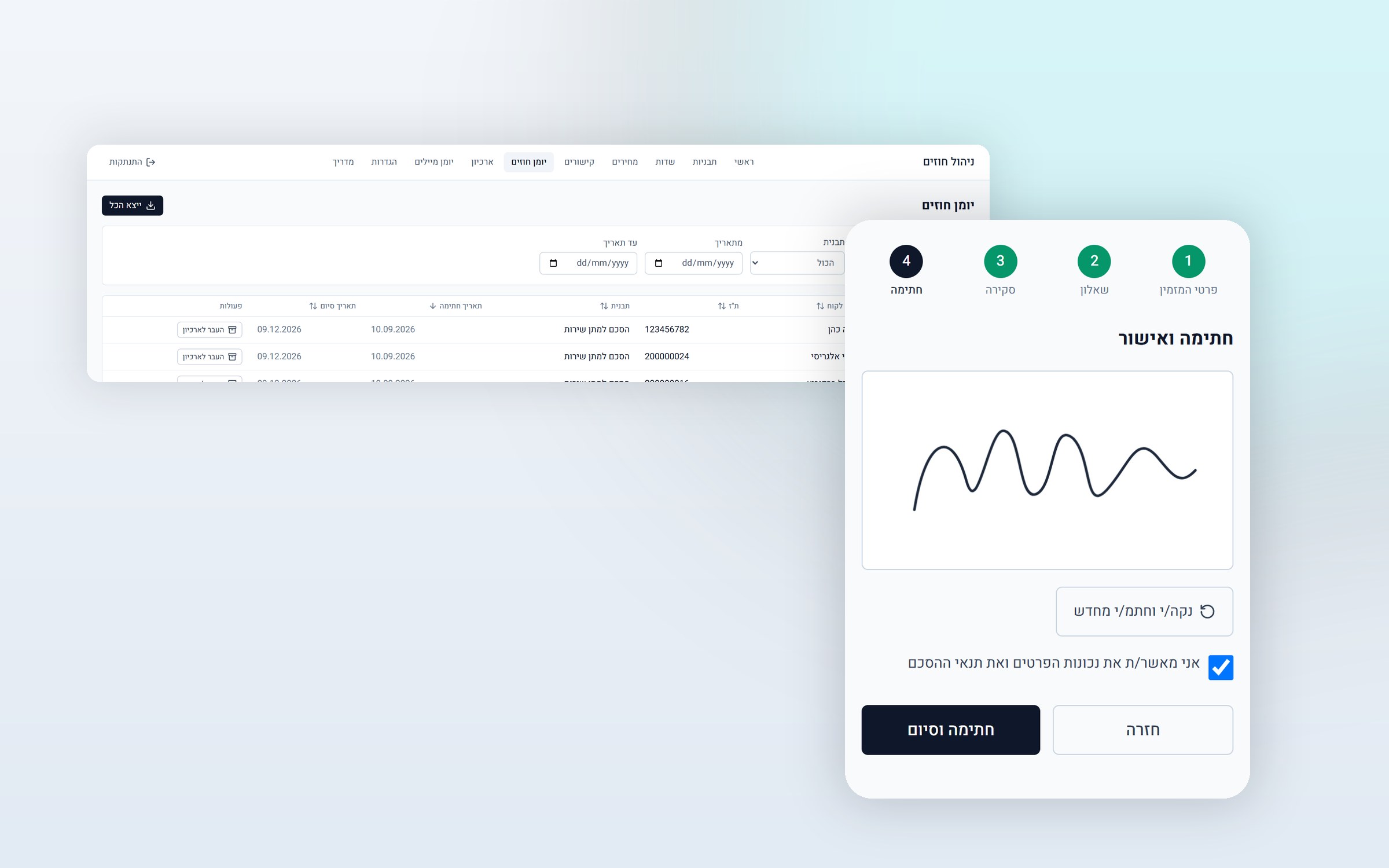
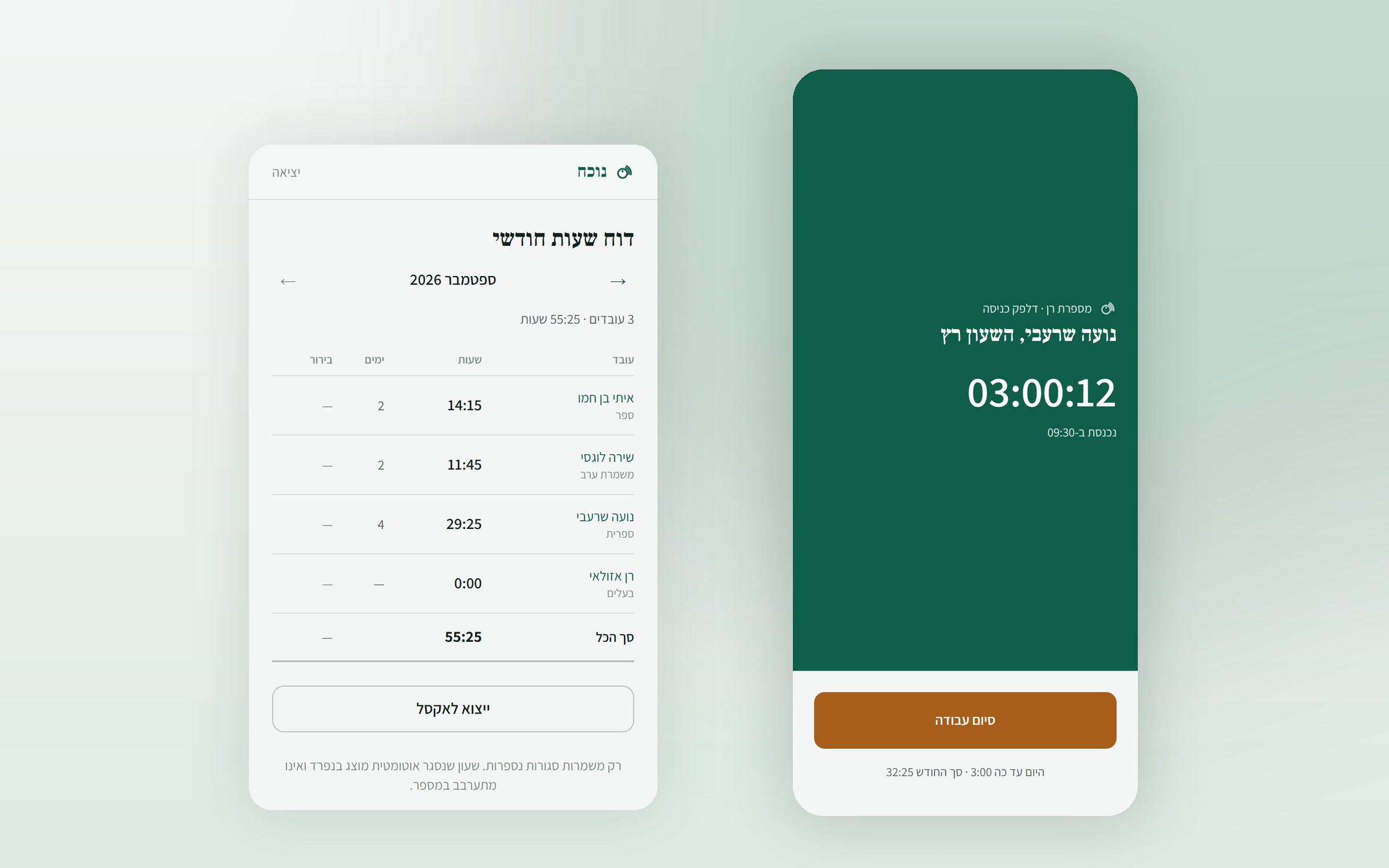
What the system does
In a small business, a restaurant, a shop or a hair salon, employee hours are tracked on a sheet of paper or in a WhatsApp group. At the end of the month someone tries to reconstruct who worked when. A dedicated time clock costs thousands of shekels, and a dedicated app requires every employee to install it, create an account and remember a password.
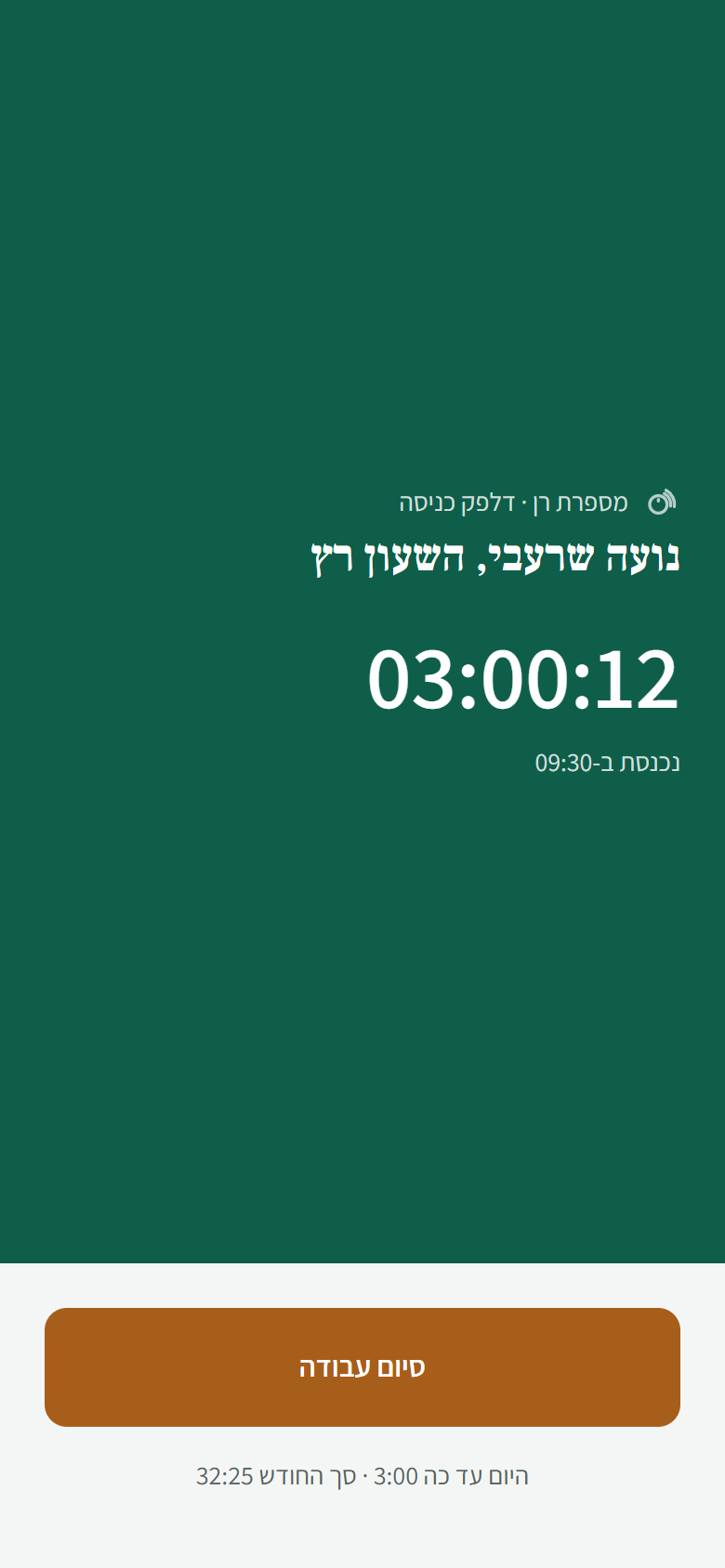
Here you need just two things: an NFC sticker that costs a few shekels, and the browser that is already on the employee's phone. The employee taps the sticker and sees one screen, one button and a running timer. A second tap at the end of the shift closes it. That is all they need to learn.
Who it is for
- Businesses that work in shifts. Restaurants, cafes, shops, hair salons and beauty studios. People come and go all day, and nobody writes it down.
- Businesses that employ young people or rotating staff. When turnover is high, every minute of training on "how to report your hours" is a minute wasted.
- Businesses with more than one station. A sticker at every point, one combined report.
- Businesses that want to end the argument about hours. When both the manager and the employee need to see the same number, and it needs to be clear who changed what and when.
What makes it different
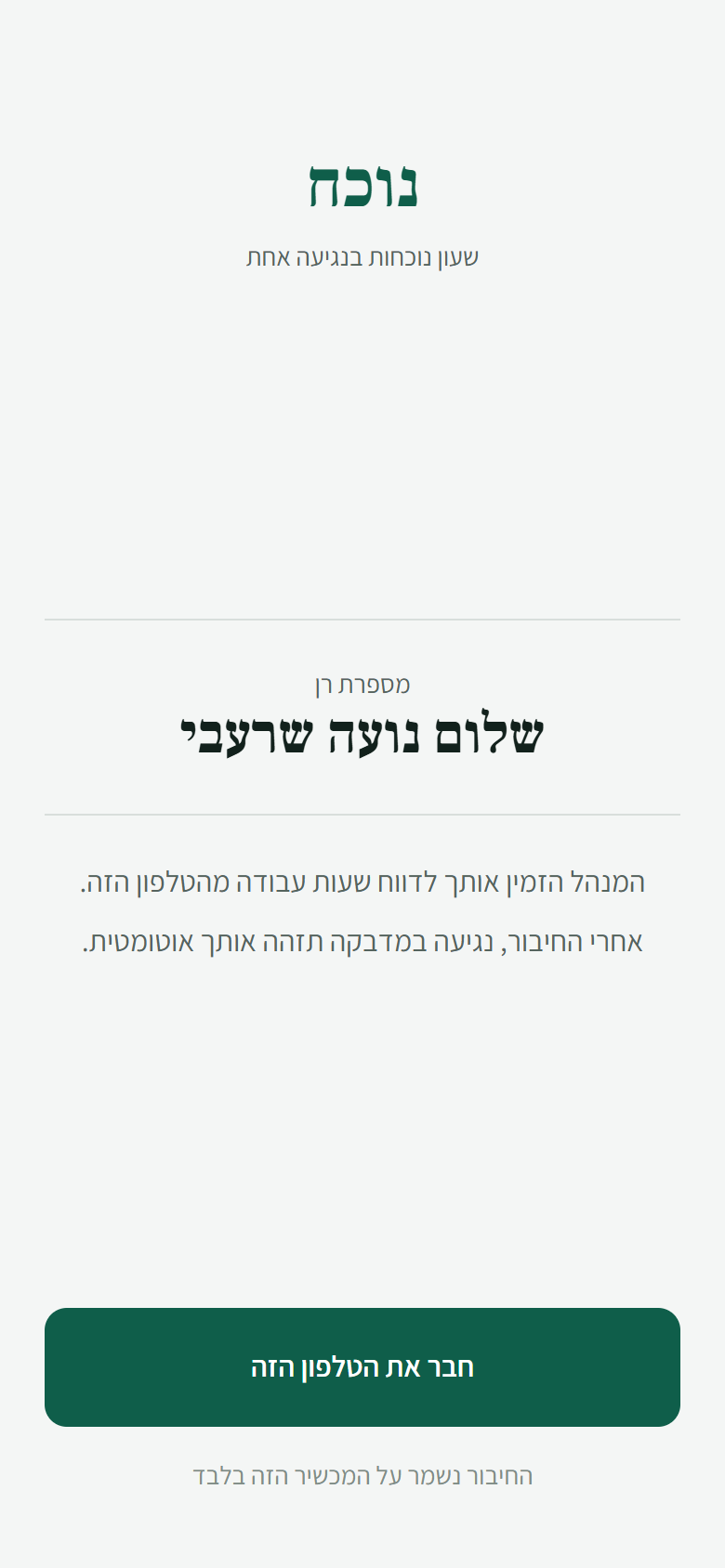
The employee doesn't have to do anything
Their identity is set once: the manager sends a personal link on WhatsApp, the employee opens it on their phone and taps once. From that moment their phone is recognized, and they never type a password. There is no app to install and no app store to go through.
Transparency instead of arguments
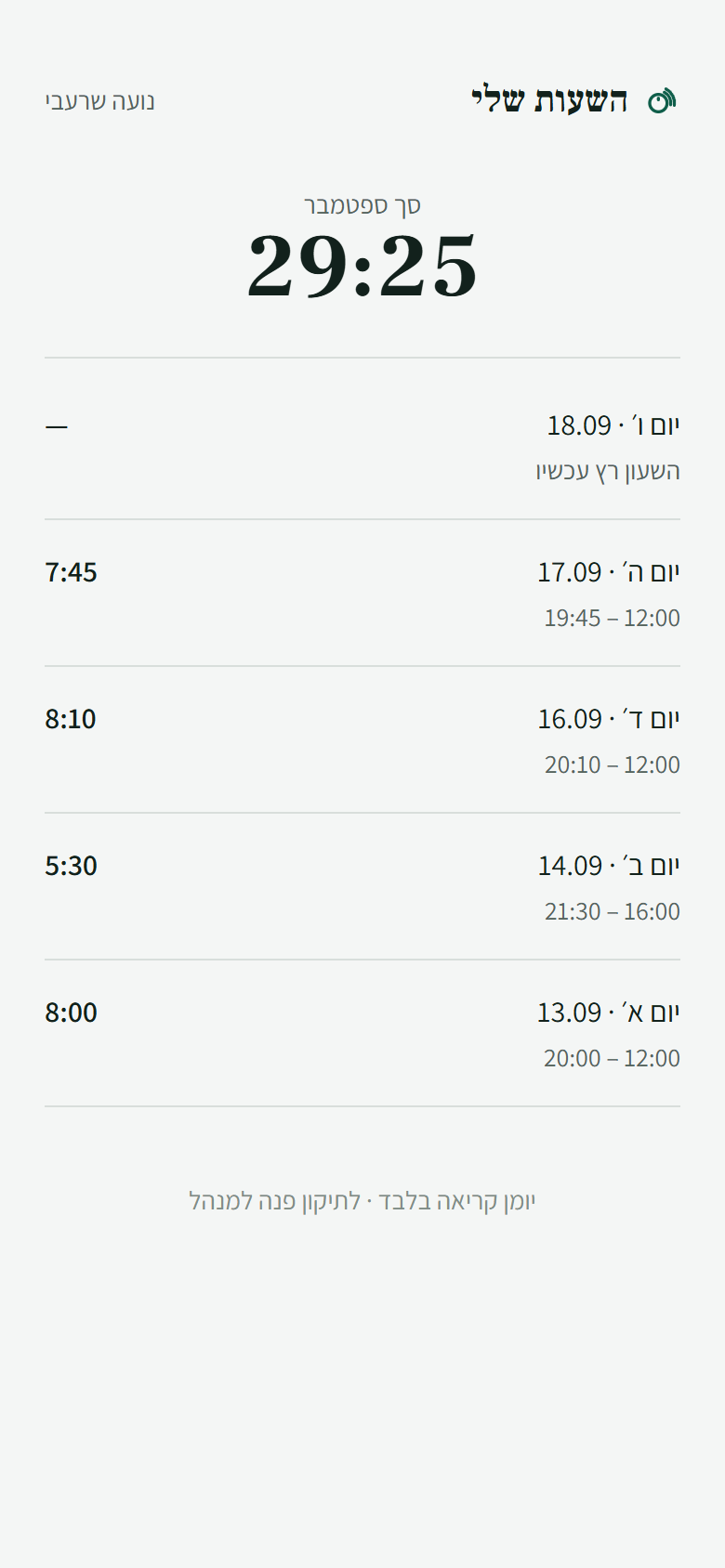
Nothing in the system is ever deleted. An employee who leaves is deactivated, a lost sticker is disabled, a wrong record is voided. Everything is a status change, and the historical data stays. Every correction to hours writes an audit line with the previous value, the reason for the correction (a required field) and who made it. And the employees can see for themselves that their record was corrected. That is not a side effect of the design. It is the point.
Time is measured only on the server
The phone's clock never enters the equation, so changing the time on the device changes nothing. The running timer is recalculated on every tick from the difference against the server clock rather than advanced by a counter, so a tab that sat in the background for half an hour won't show the wrong time when you come back to it. Time zones are interpreted in the database too: the manager types 08:00, and the database reads it in the business's time zone, not in the time zone of the browser it was typed in.
What's included
- Setting up your business in the system, with a manager account in your name
- Entering your employees, and sending each one a personal connection link on WhatsApp
- Setting up the stickers, as many as you like, for every station or branch
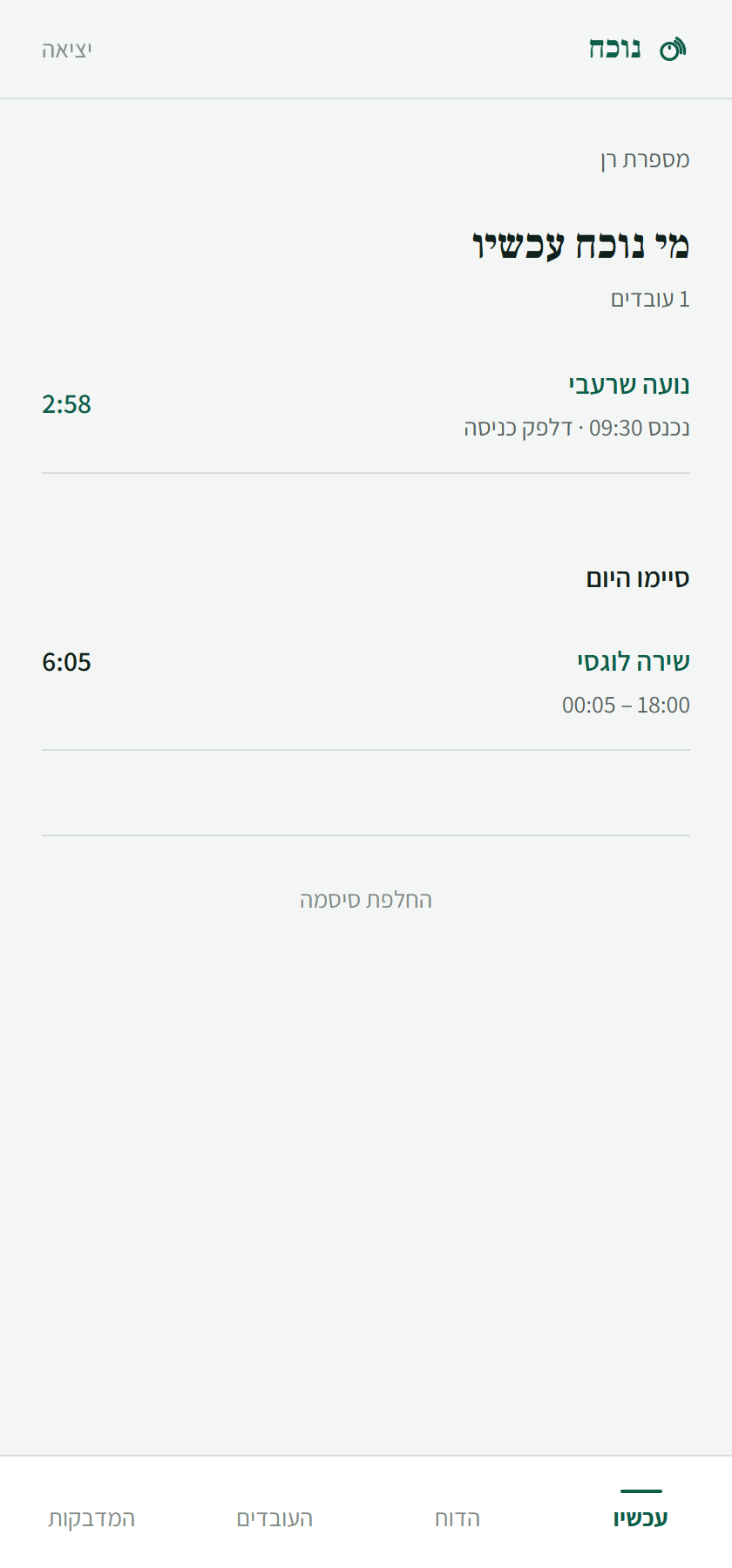
- A "who's here now" screen with shifts running in real time
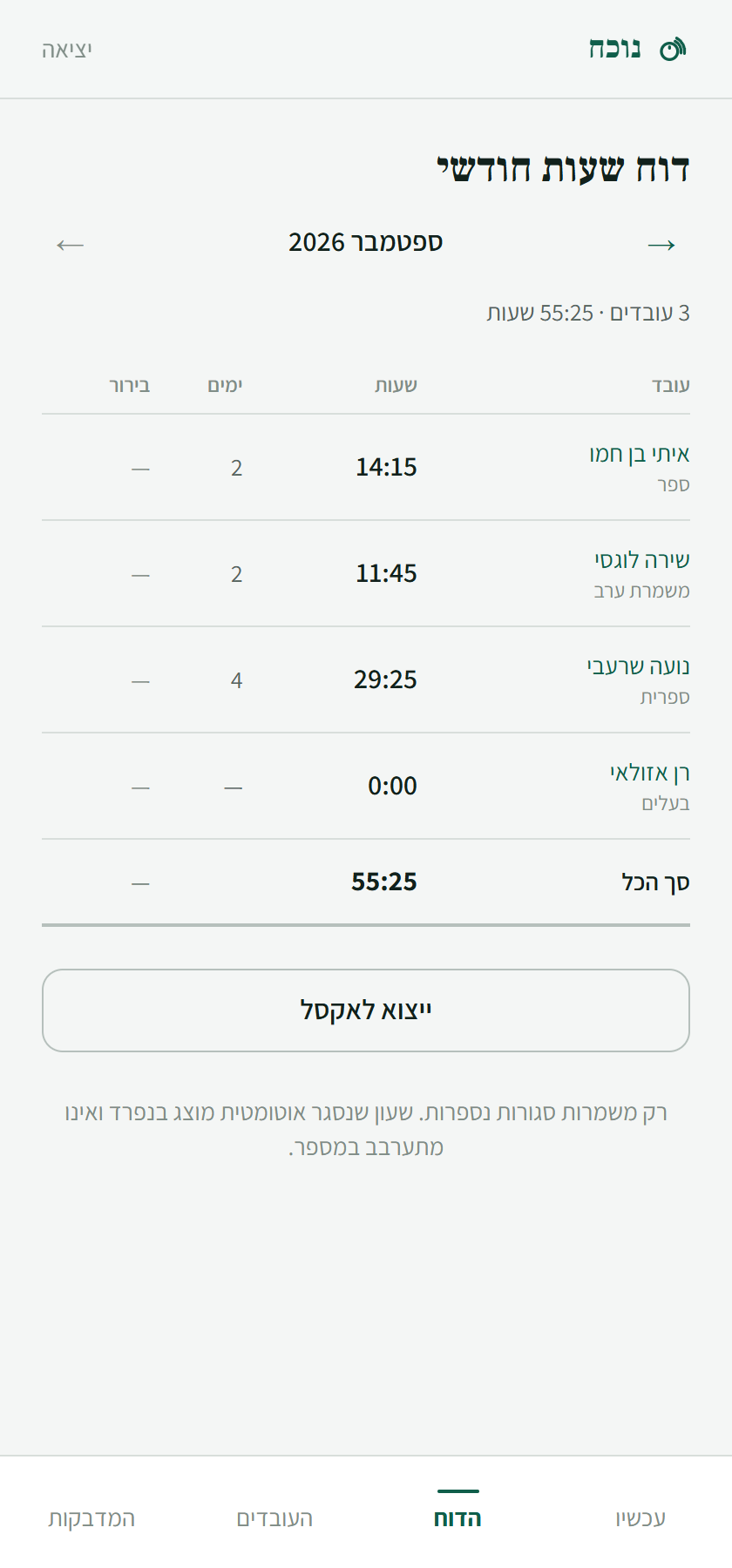
- A monthly report per employee, with export to Excel
- Record corrections with a full audit log
- Automatic closing of a shift that was left open, flagged for follow up
- Going live, and a short training session for the manager only, because there is nothing to teach the employees
How it works
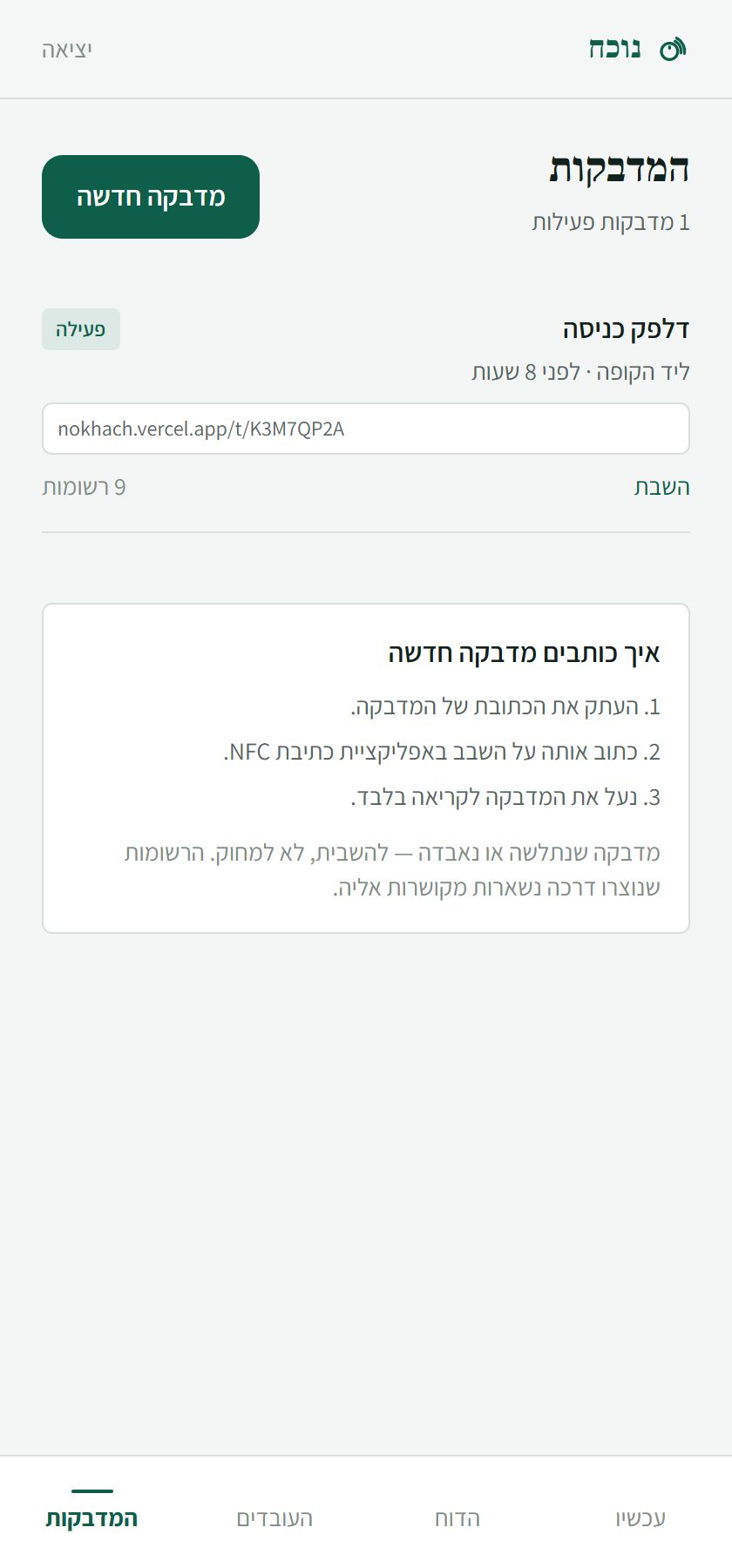
- You put an NFC sticker by the entrance, and write the station's address from the system onto it.
- You enter your employees and send each one a connection link on WhatsApp.
- The employee opens the link once on their phone and taps "Connect this phone".
- From then on, a tap on the sticker starts a shift and another tap ends it.
- You can see who is in at any moment, and at the end of the month you export a ready report.
The technology behind it
The system was built as a full web application, not as a patched together automation:
| Layer | Technology |
|---|---|
| Front end | Next.js 16 (App Router, Turbopack), React 19, TypeScript |
| Design | Tailwind v4, Hebrew RTL, Assistant and Frank Ruhl Libre fonts |
| Back end | Supabase, PostgreSQL 17, Row Level Security, RPC functions |
| Identity | Supabase Auth. Anonymous sessions for employees, email and password for managers |
| Infrastructure | Vercel, with functions running in Frankfurt next to the database |
| Deployment | A push to GitHub triggers an automatic build |
By the numbers: 9 tables, 36 database functions, 8 RLS policies, 14 screens, 20 API routes, 19 migrations, and about 5,150 lines of TypeScript alongside about 2,470 lines of SQL. There is no recurring infrastructure cost beyond hosting.
Three decisions that shape how it behaves
- Isolation between businesses is enforced in the database, not in the app. Every query goes through RLS and functions that derive the business's identity from the token itself. Even if the application layer were completely compromised, a manager of one business would not see another business's data. This was tested in practice: signing in as the manager of a second business and trying to access every record returned an empty result.
- A report is recorded once, or not at all. Starting and ending a shift happen in a single database operation, not in several steps that could get stuck halfway and leave a half finished record. The database also enforces that each employee has at most one open shift, so a quick double tap or a dropped connection cannot open two shifts.
- A shift left open doesn't stay hanging. It is closed automatically and flagged for follow up, instead of inventing hours and instead of locking the employee out of the system.
What we need from you to get started
- Your list of employees: name, phone and role
- A decision on where each sticker will go
- Blank NFC stickers, and a free writing app on your phone (a few shekels per sticker)
- Your business's time zone and opening hours