What the system does
A contract that needs a signature holds up the deal. You print, scan, send, remind the client, wait, and sometimes set up a meeting just so someone can sign a page.
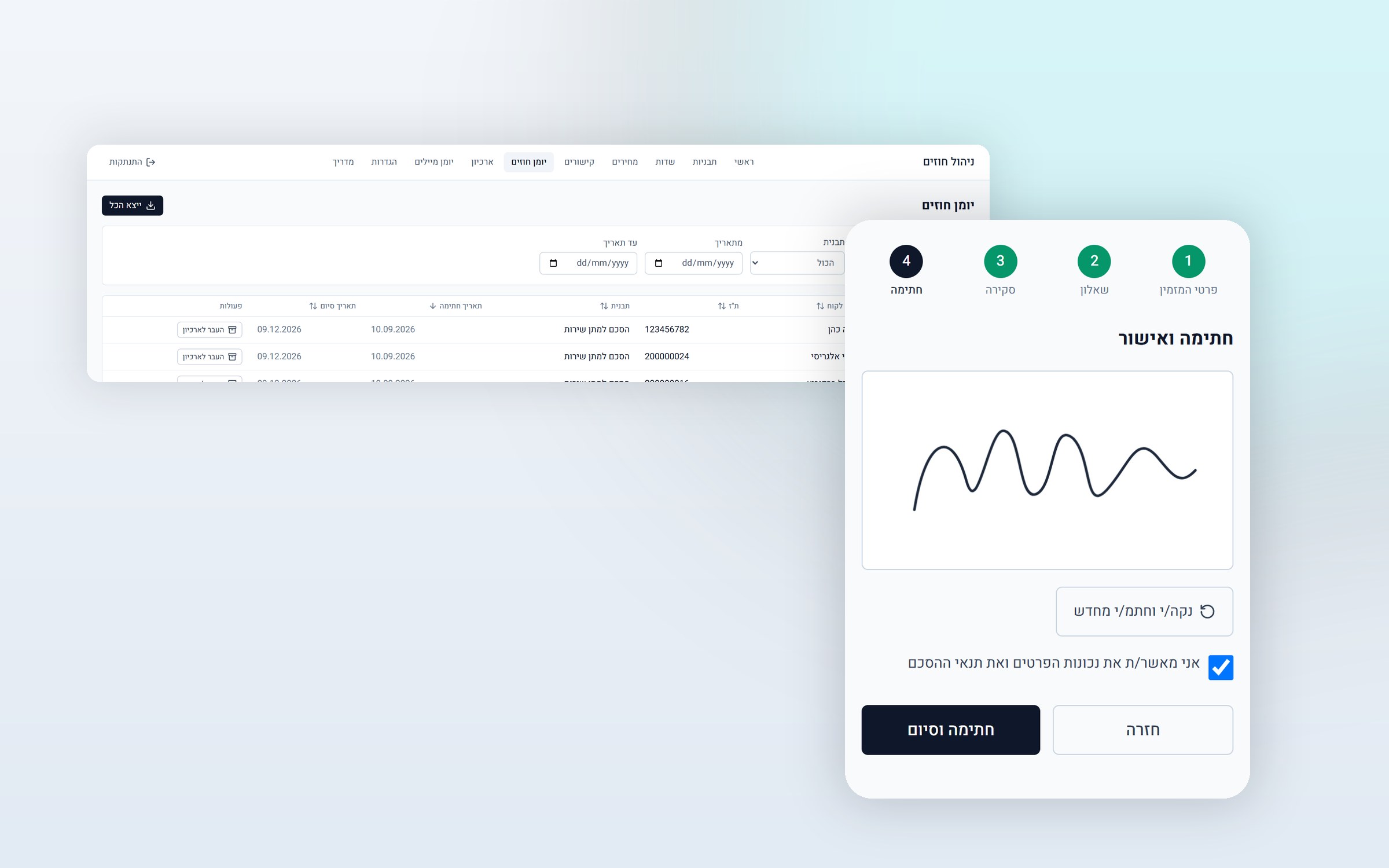
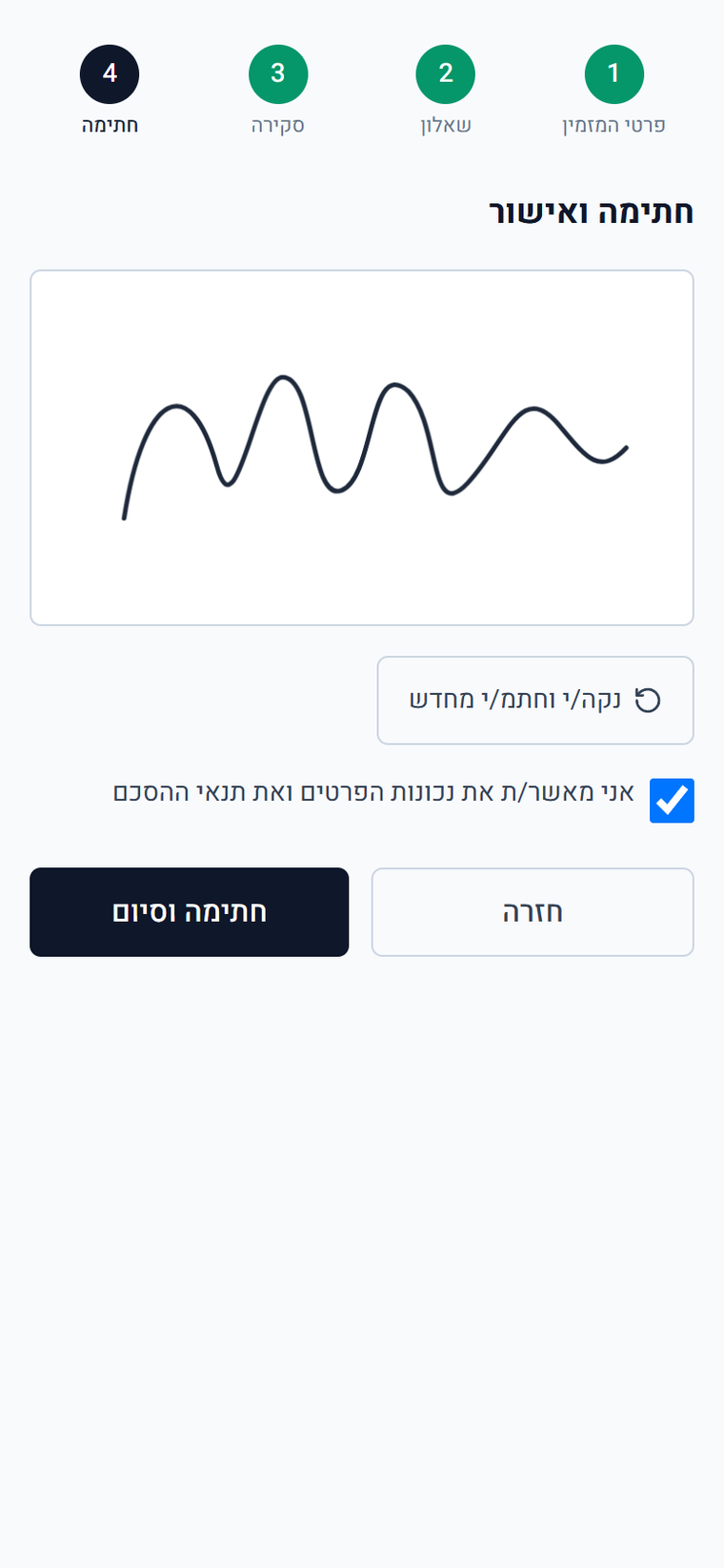
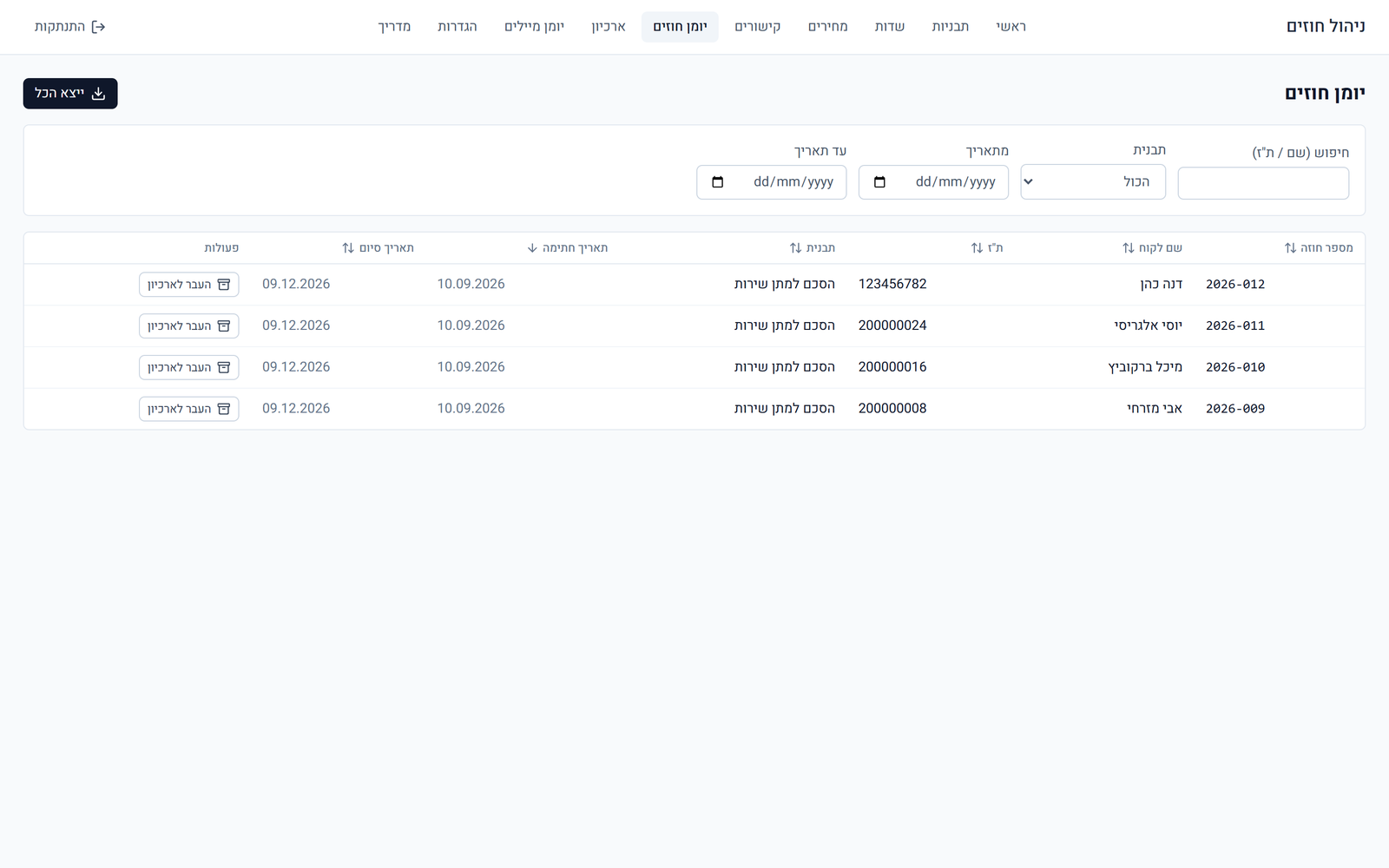
Here it is over in a single WhatsApp conversation. You send the client a personal link, they open it on their phone, fill in their details, answer a short questionnaire you defined, read the full agreement and sign with a finger on the screen. The moment they tap "Sign and finish", a signed PDF is created. They download it, a copy is saved on your side, and a copy is emailed to both of you.
Who it is for
- Service providers with a standard agreement. Consultants, coaches, designers, agencies. The same wording, over and over, with different clients.
- Businesses that sign on the spot. When the deal closes in a meeting or on the phone, and the signature needs to happen right then.
- Businesses with price tiers. When the fee changes with the type of deal, and the price list needs to be part of the contract itself.
- Businesses that need proper records. When it matters to be able to prove exactly what was signed and when.
What makes it different
A signed contract is locked. The system keeps a frozen copy of the agreement's wording, the prices and the signature image exactly as they were at that moment, together with a full audit record: IP address, browser type and a SHA-256 hash of the document.
In practice, this means you can update a price list or fix a clause whenever you like, without retroactively touching a contract that was already signed. A contract from a year ago will look exactly as the client saw it when they signed.
What's included
- Full setup in your business's name: logo, details and branding
- Entering your contract wording, including appendices
- Setting up the form fields and the questionnaire the client fills in
- Building the price list and price tiers into the contract
- An admin panel where you edit everything yourself, without a developer
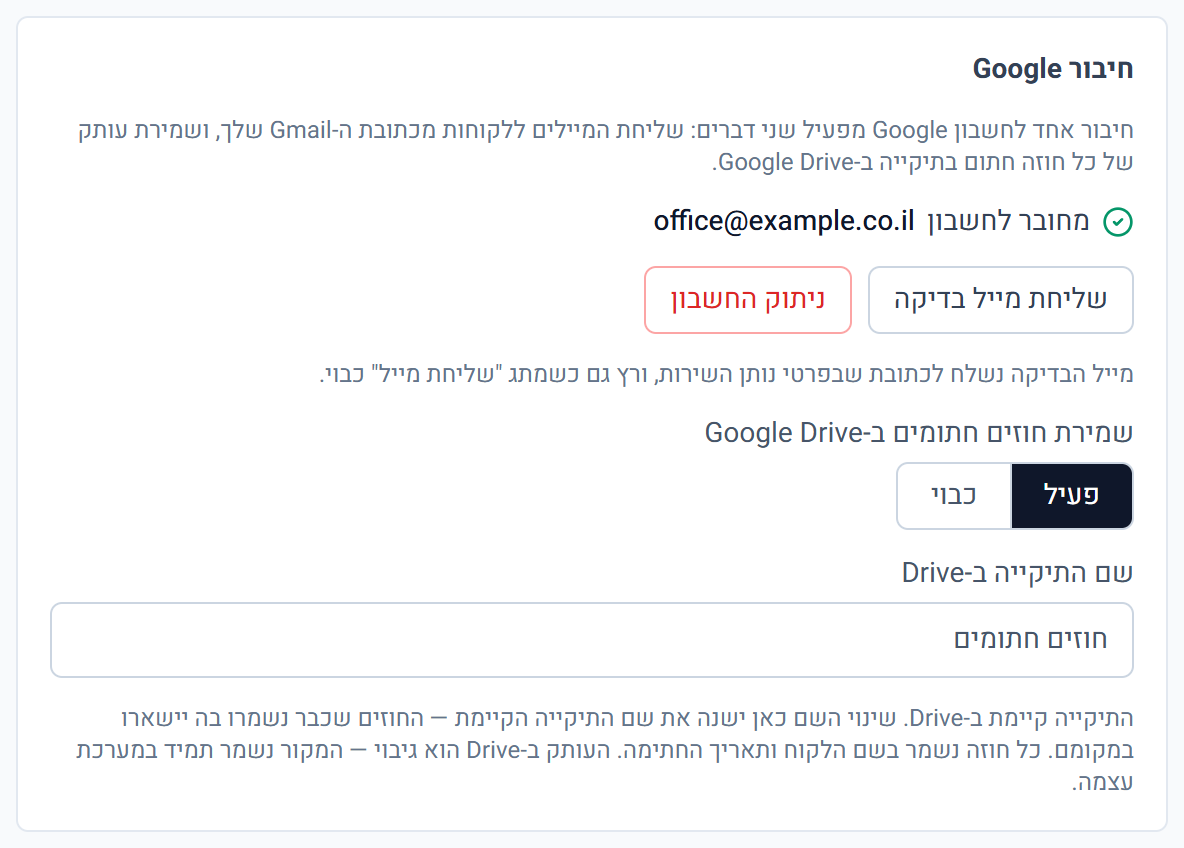
- Connection to your Google account: every signed contract saved to a folder in Drive, and emails sent from your own address
- Going live with a domain, and training on the system
How it works
- You open the panel and choose the agreement template.
- The system creates a personal signing link: a permanent one for reuse, or a single use link that closes after one signature.
- You send the link to your client on WhatsApp.
- The client fills in their details, answers the questionnaire, reads the agreement and signs, all from their phone.
- The signed PDF is created immediately: the client downloads it, a copy is saved to Drive, and an email goes to both of you.
What we need from you to get started
- Your agreement wording, as it is, with no need to edit it first
- Your logo and official business details
- The price list, if the fee changes with the type of deal
- A Google account for saving to Drive and sending the emails